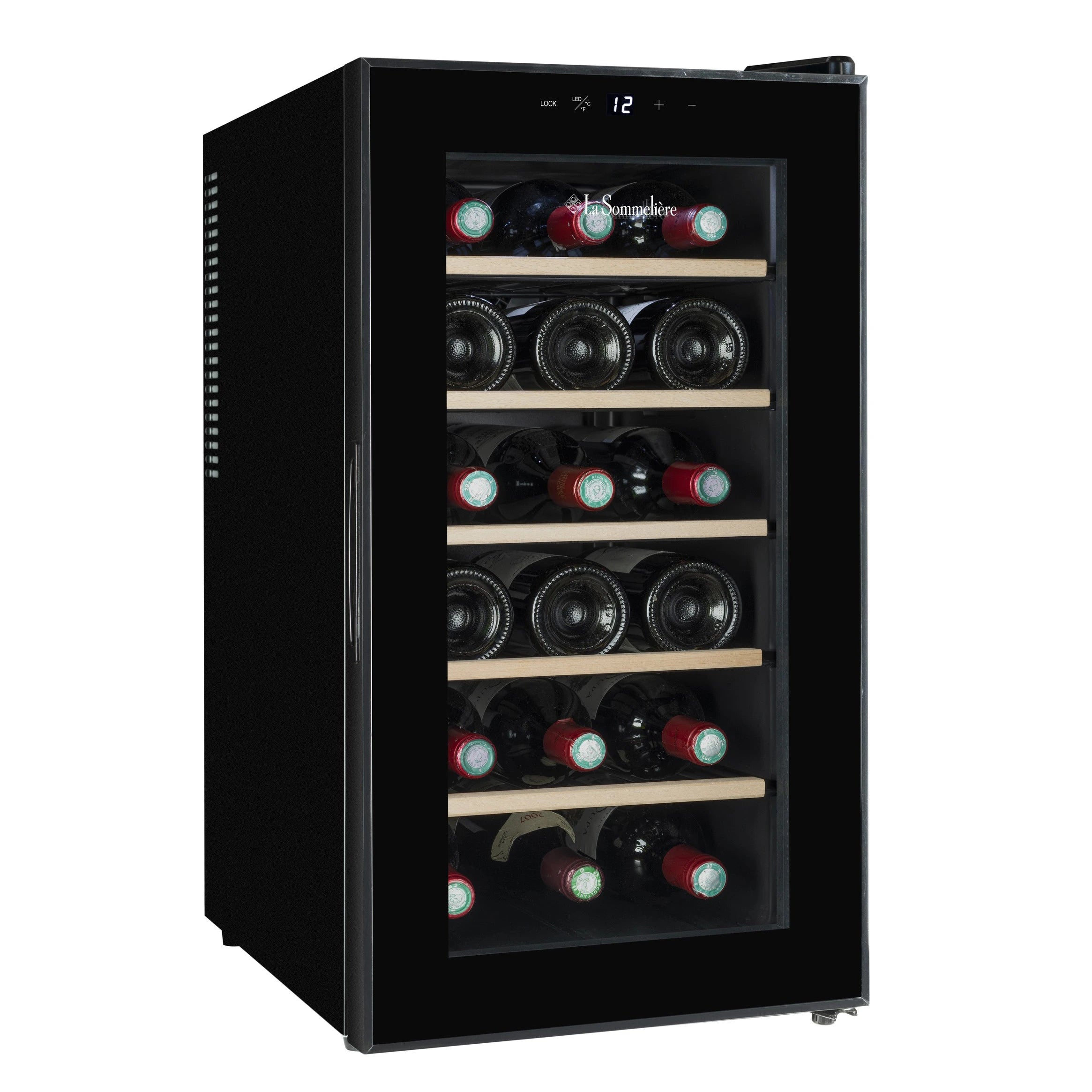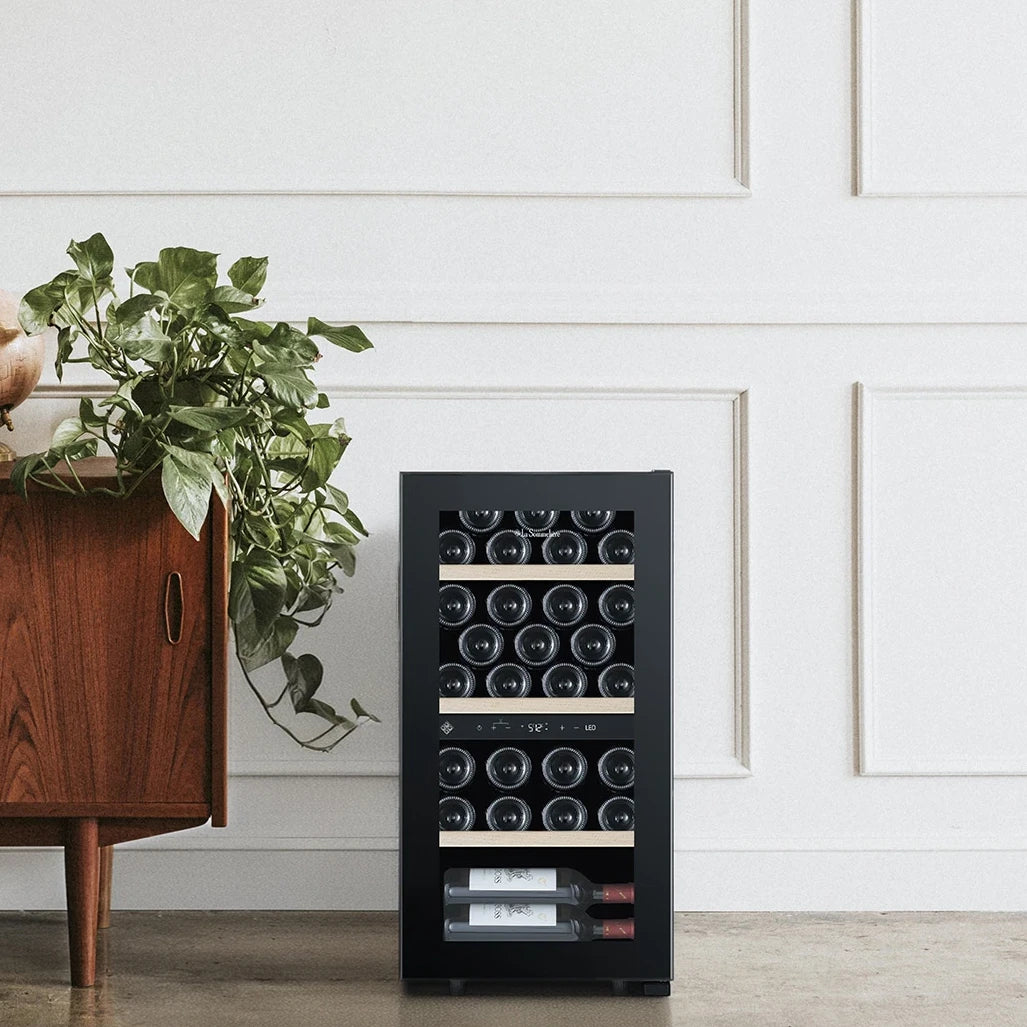
Choosing a bottle for dinner should be a pleasure. As your collection grows, remembering which wines you own, where they are and which vintages you want to keep can become another task. VINOTAG is a mobile app for organising the contents of compatible wine coolers: a digital wine register that follows your collection and, with certain appliances, also lets you interact with the cooler itself.

VINOTAG at a glance
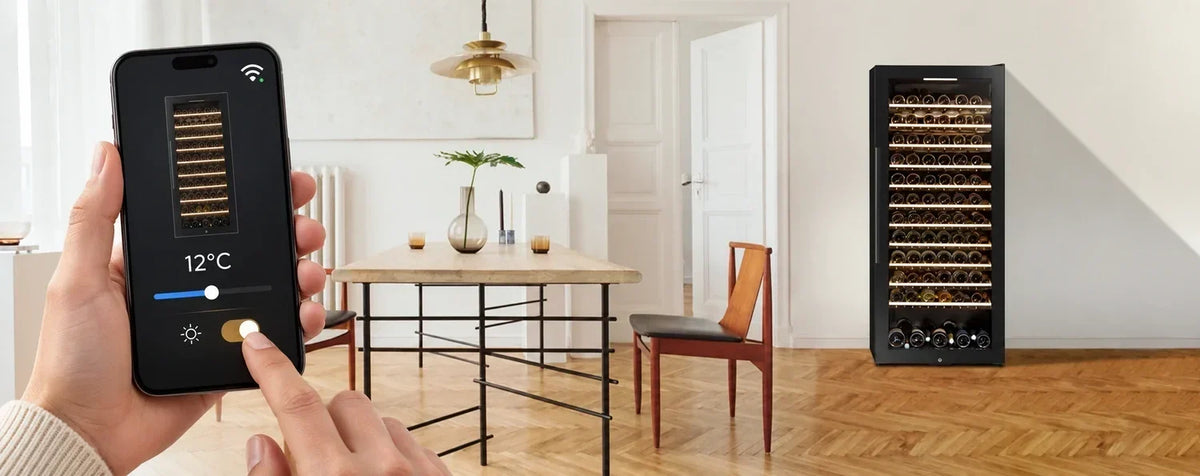
VINOTAG lets you register wines, view stock and locations, and organise reminders. App compatibility does not guarantee remote control or automatic bottle detection. Those features depend on the appliance. ECELLAR wine coolers by La Sommelière have sensor-equipped shelves; mobile temperature and lighting adjustment must be checked for the exact model and generation you choose.
What is VINOTAG and what is it for?
VINOTAG turns your wine cooler inventory into a digital register you can view on a smartphone. You can keep your wine information together and browse the collection as a list or a graphical representation of the appliance. The app is available for iOS and Android and requires a user account.
Its simplest benefit comes before you buy another bottle: checking what you already own. It also helps when you are looking for a particular wine or organising bottles you plan to open over the coming months. To be useful, the register needs to match the bottles you actually store.
What you can do with the app
Register wines and review their records
The Vivino integration lets you photograph a label to obtain a prefilled wine record when you have scanning credits available. You can also enter information manually. Check the recognised wine and vintage before saving, especially if you keep different vintages of the same wine.
A useful habit is to separate wine identification from bottle quantity. Owning six bottles with the same label does not mean owning six different wines: well-organised records and quantities make later searches easier.
View bottle locations and stock
The inventory lets you locate a wine within the digital representation of your cooler. With a compatible appliance without connectivity, you keep additions and removals up to date yourself. With ECELLAR, sensor-equipped positions provide physical movement detection. This matters if you want fewer manual updates when bottles are frequently added or removed.
Organise reminders and share the collection
Stock reminders help you remember when a wine reaches the minimum quantity you set. Drinking-window alerts rely on the recorded vintage and ageing information: they help you plan consumption, rather than measuring the actual condition of the wine inside the bottle.
You can also share access to the digital cellar with other people. If several household members use the collection, agreeing how to record removals is just as important as installing the app.
Compatible, connected and ECELLAR: three different concepts
Before choosing a wine cooler, identify the problem you want to solve. Do you want to check stock while buying wine, change a setting from your phone or detect when a bottle is removed? These are different needs.
| Appliance type | What it offers | What to check |
|---|---|---|
| Compatible without connectivity | Digital records with manual updates. | Whether the exact model is supported. |
| Wi-Fi and remote control | Viewing or adjusting settings and receiving alerts, depending on the model. | Available temperature, lighting and alert functions. Wi-Fi does not imply bottle sensors. |
| ECELLAR with smart shelves | Presence and movement detection in connected positions. | Generation, remote control and areas requiring manual updates. |

What ECELLAR adds to the VINOTAG experience
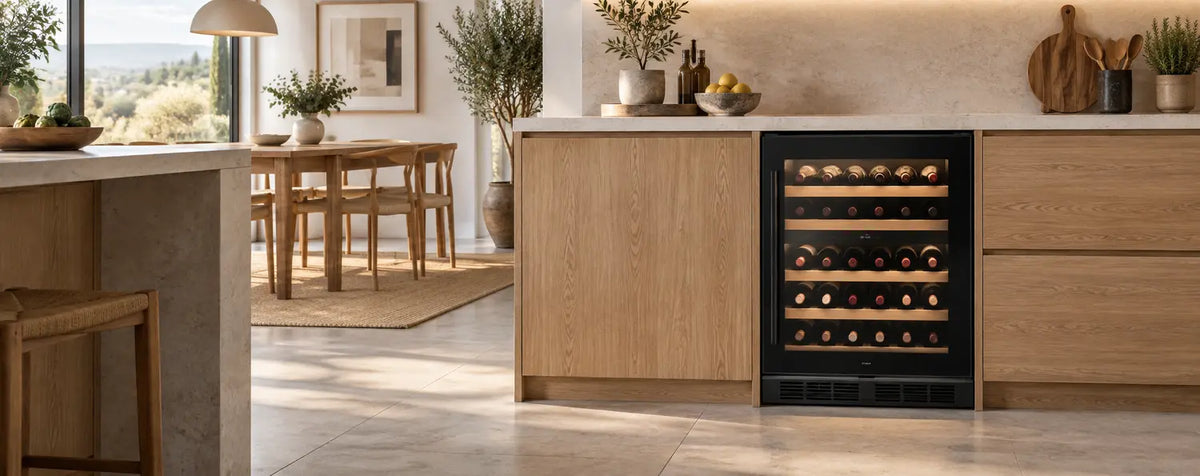
The ECELLAR range is designed for people who want to combine wine preservation with collection management. Its distinctive feature is smart shelving: sensors detect bottle presence in connected positions and communicate movements to the app.
A sensor detects a bottle; it does not read its label or identify the wine on its own. First register the wine in the app, then follow the placement procedure to link it to its location. Light-guided location makes registered bottles easier to find, while ESommelier offers assisted placement according to the supported configuration.

ECELLAR150 and ECELLAR185 compared with G2 versions
First-generation ECELLAR150 and ECELLAR185 models offer connected inventory and bottle location. Their temperature is adjusted using the appliance control panel. ECELLAR150G2 and ECELLAR185G2 add remote temperature and lighting control. ECELLAR.BI150 also includes these remote-control features.
When comparing offers or different generations, pay attention to the full model name. Browse current options in our ECELLAR La Sommelière wine cooler collection, where you can check each appliance's features.
Total capacity and connected positions
Advertised capacity and the number of sensor-equipped positions may differ. For example, ECELLAR150 has 132 connected positions and an additional area for 17 bottles; ECELLAR185 has 168 connected positions and another area for 17. Bottles in an area without sensors require manual inventory updates.

Check the bottle formats you plan to store too. A collection containing different shapes and sizes needs realistic space planning. Our explanation of standard bottles and wine cooler capacity helps you interpret catalogue figures.
Scanning credits, Premium and artificial intelligence: what to check
The app combines inventory management with additional digital services. Vivino recognition is subject to scanning credits; included allowances may vary with appliance registration and the current offer. If you use them up, you can continue completing wine records manually or review the available packs.
VINOTAG also offers Smart IA Assistant, with pairing suggestions, wine information and collection analysis. Access depends on subscribing to the service and the conditions shown in the app. Before subscribing, review its price, renewal terms and included features. Suggestions can inspire your enjoyment of wine; check important information about individual bottles.
How to get started with VINOTAG
- Check the exact model. Confirm compatibility and the functions specified in its product information.
- Install the app and create an account. Find VINOTAG in your phone's official app store.
- Add your wine cooler. Select the correct model and follow its specific connection procedure where applicable.
- Register a few bottles. Review their records and locations before entering the whole collection.
- Try adding and removing a bottle. Check that the register reflects what happened, manually or through sensors depending on the appliance.
- Configure reminders. Choose useful stock thresholds and complete vintages and ageing information.
For a connected wine cooler, check Wi-Fi coverage at its intended location and the network requirements in its manual. If the app stops updating, check the connection before relying on the inventory. Connectivity also does not replace correct physical installation: see our guide to where to install a wine cooler.
Frequently asked questions about VINOTAG
Can I use VINOTAG with any wine cooler?
No. Check the exact model against the app's supported appliance list and its product information. A brand having compatible models does not mean its entire range is compatible.
Does a compatible cooler let me change temperature from my phone?
Only if that model includes remote temperature control. Compatibility for digital inventory alone does not guarantee it.
Does ECELLAR automatically recognise the wine I place inside?
Sensors detect presence and movements in connected positions. To identify the wine and link it to its location, register it and follow the app's procedure.
Does all ECELLAR stock update automatically?
Automation applies to sensor-equipped positions. Areas without detection require manual updates, and a lost connection can delay synchronisation.
Are all VINOTAG services included?
Do not assume they are. Review your available scanning credits and the conditions for packs and the AI assistant before purchasing additional services.
Which cooler should I choose if collection organisation is my priority?
Compare how you will record movements, how many connected positions you need and the bottle formats you store. Then consider capacity, installation and preservation alongside app features.
Every bottle has its place. Find yours.
At Vinoteca.es we help you make an informed choice: from a compatible cooler for organising inventory to an ECELLAR with smart shelves. Explore ECELLAR wine coolers or our La Sommelière wine cooler collection and check the functions of the model that suits your collection.